





Tips Index
With the fast development of technology, videos have become a popular method to take a record and display moments that are captured.
Popular screen recording and screen capture software like Snagit has become the talk of the web. Snagit has unique features like capturing all the images from a website and has some basic editing tools, like annotations while recording and capturing images such as special effects, crop stamp, resizes, and more.
Though it’s a great software for taking screenshots and recording screen activity, it doesn’t come cheap. Snagit is not a free screenshot software and a lot of users are looking for a Snagit Alternative tool to capture screen activity. If you just need a tool to take a screenshot simply, Snagit seems a bit overwhelming for its settings.
Introducing the best alternative for Snagit, none other than VideoPower GREEN that is able to record your screen in multiple ways possible with its various capturing modes. Useful functions included are the annotating tool and audio recording tool, which are important in improving your video clips.
In this article, we are going to teach you how to take a screenshot using this software. Just click the DOWNLOAD button below to try this software for free!
Step 1: Manage settings.
1) Click the menu button on the upper-right corner of the interface and choose “Settings” from the drop-down menu.

2) Navigate to the “Take Screenshot” section. Make changes accordingly then click “OK.”
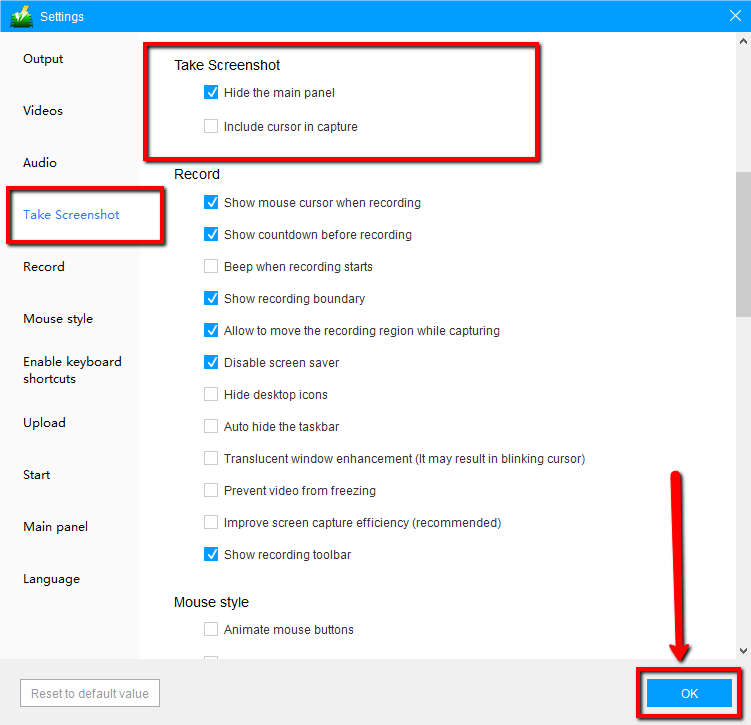
Step 2: Take a screenshot on your PC
1) Click on the “Screenshot” tab.
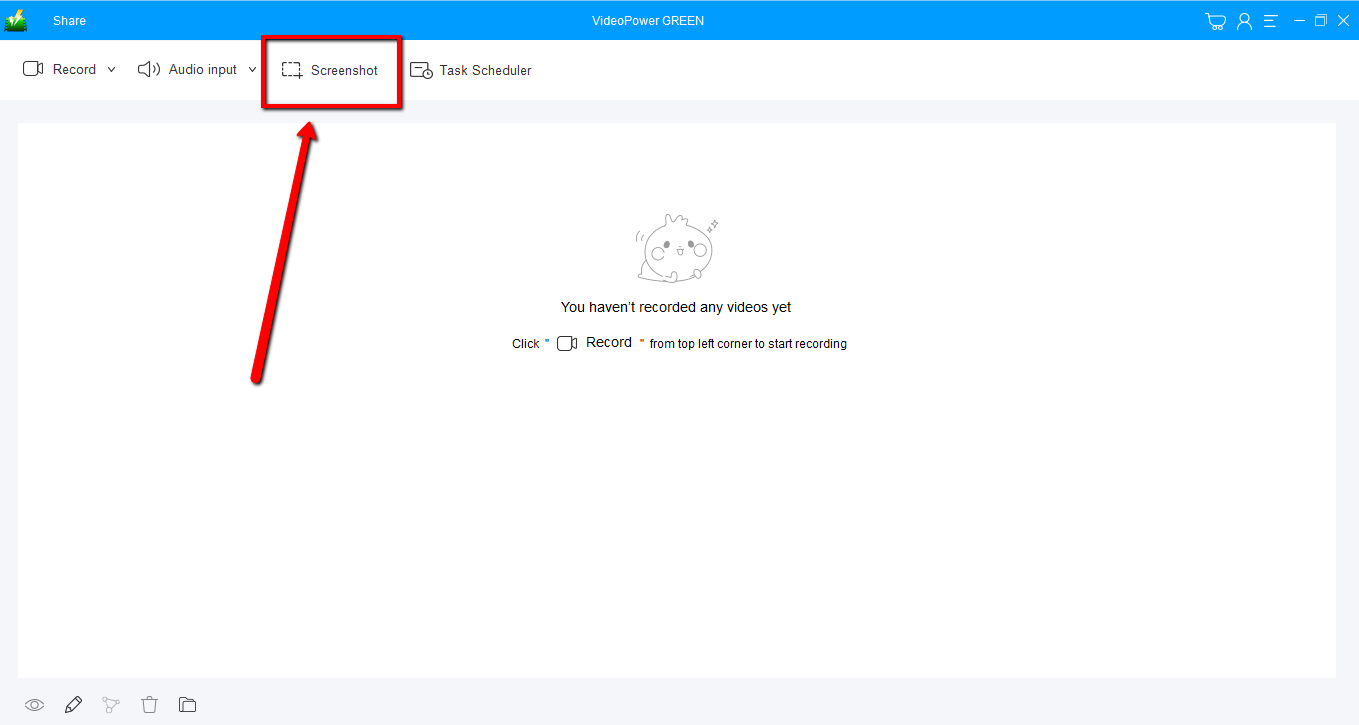
2) Select the region on the screen that you want to take a screenshot of. By moving the mouse around the screen, you’ll be able to see what types of screenshots you can do.
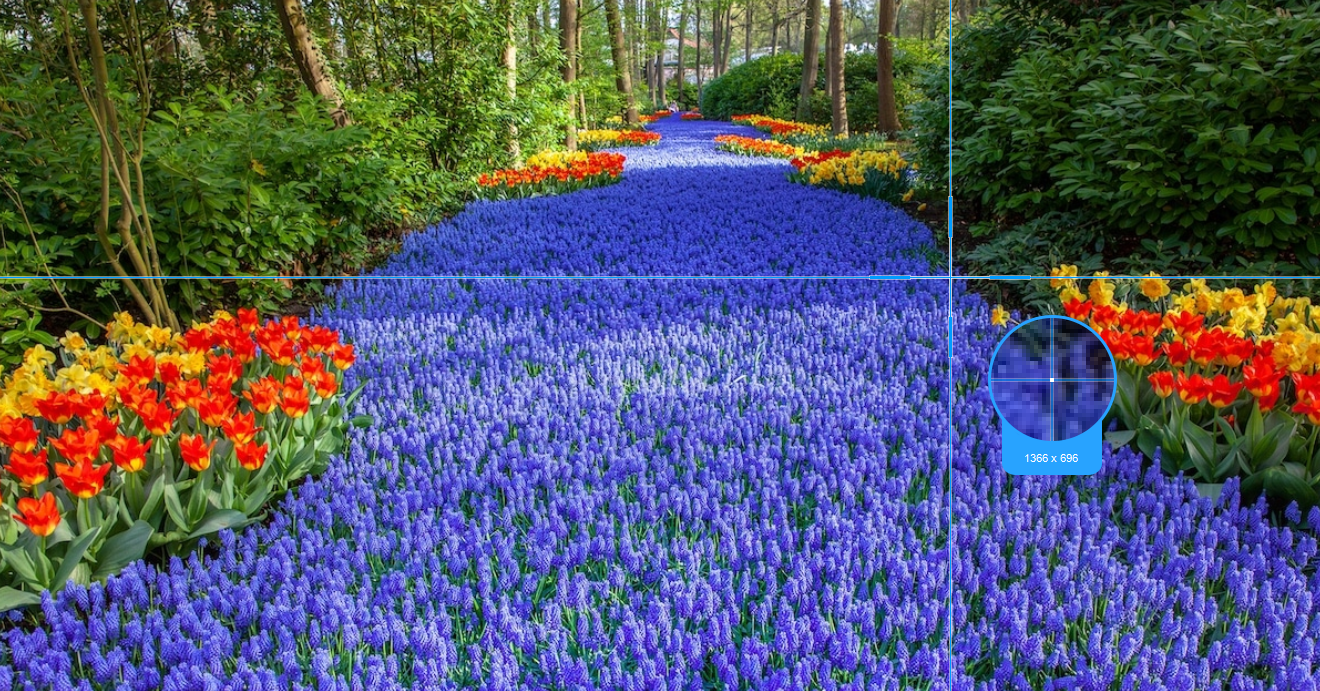
3) After clicking, you will get a snapshot of the selected region. You can make changes to it accordingly by exploring the menu (highlighted in red) before saving the screenshot.

Conclusion:
This is a wonderful software that has far advanced features compared to other streaming video recorders and screenshot tools. VideoPower GREEN, a powerful screen recording software that supports conversion to any video formats as well. It has a video editing function to trim video, adjust video size, change video effects, and add watermarks.
It’s a screen recorder software, screenshot capturing tool, video editor, converter, and a lot more features.


