Index
GREEN
7. Take Screenshot
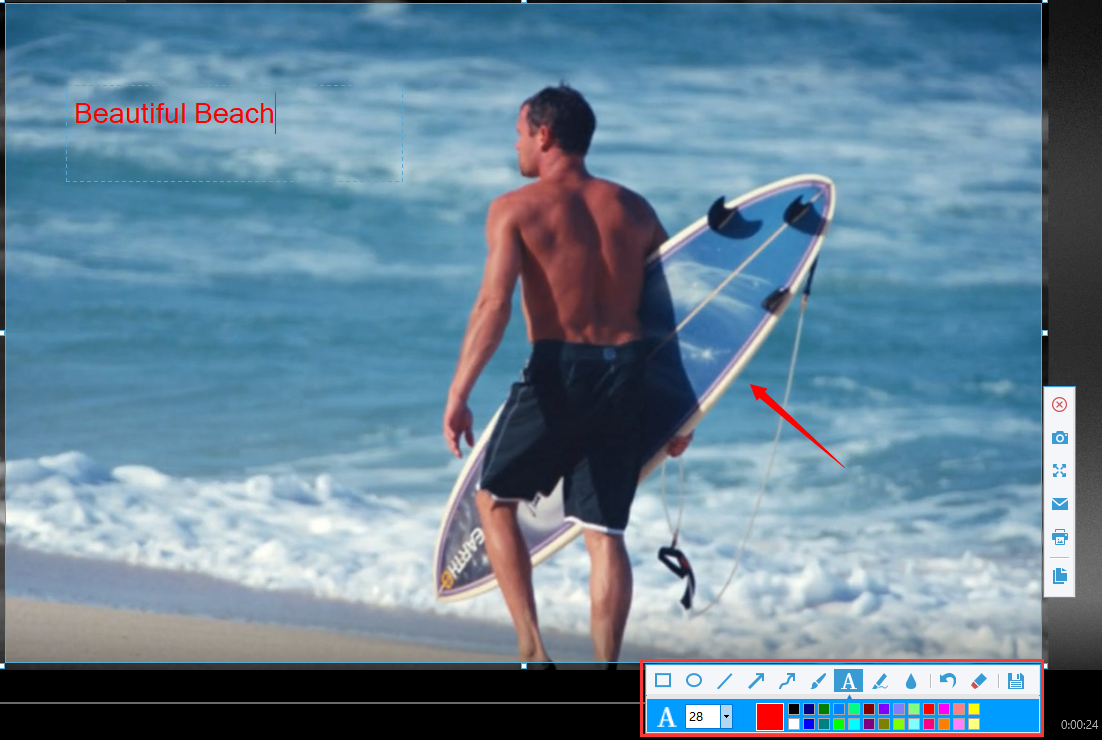
Click the “Screenshot” button at the top of the VideoPower GREEN operation screen to take a screenshot and save it in a format such as JPG, PNG, GIF, BMP, TIFF, and PDF.

You can add annotations such as lines, arrows, circles, rectangles, and text to the selected screen before saving.